Does ScreenLens work on Windows, Linux, macOS, and ChromeOS?
Yes. Because ScreenLens runs directly inside Google Chrome (and Chromium browsers) using modern WebCodecs and Canvas rendering, you get automatic click-to-zoom, cursor smoothing, and timeline editing on Windows 10/11, Linux, macOS, and ChromeOS.
How does automatic zoom work in ScreenLens?
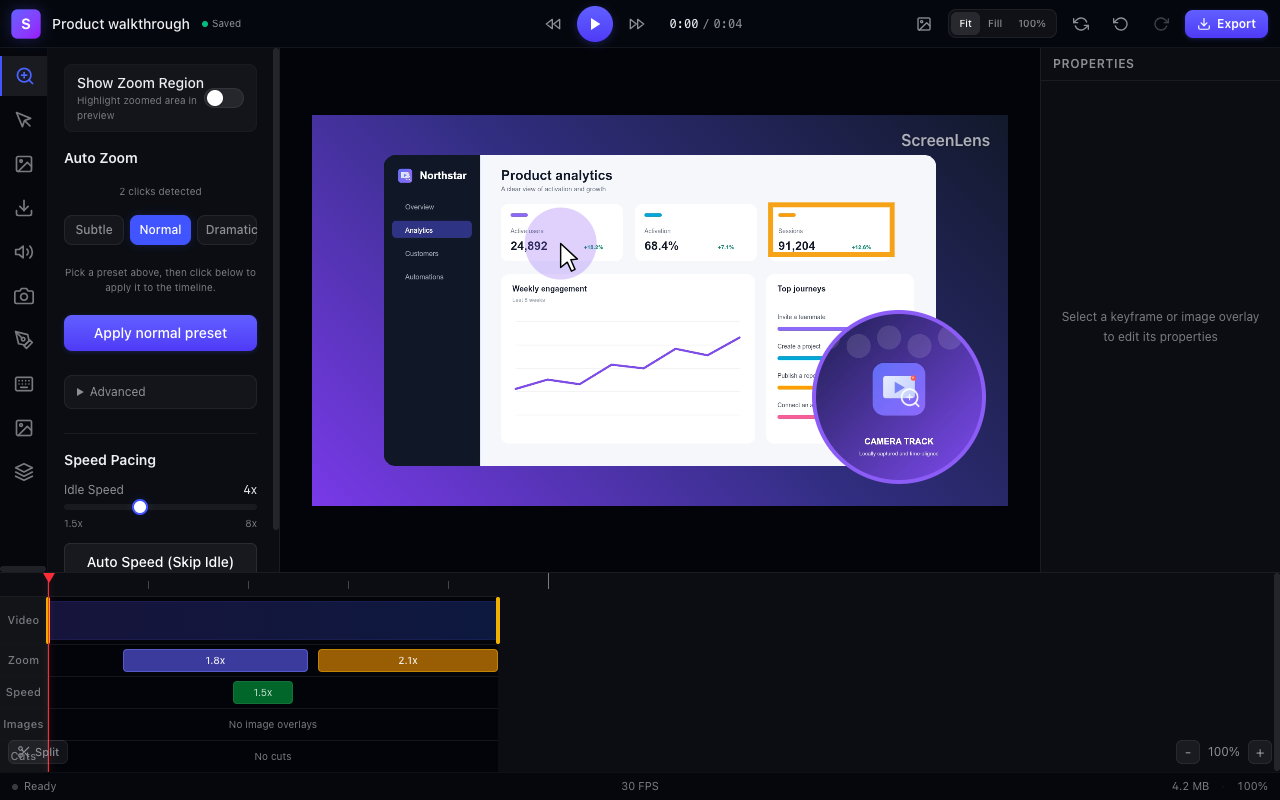
While you record a browser tab, ScreenLens captures precise cursor coordinates and click timestamps. When you finish recording, it automatically builds smooth zoom-in, hold, and zoom-out keyframes around your clicks—and lets you drag, resize, or customize every zoom on the timeline.
Can I export videos for free without a watermark?
Yes. ScreenLens Free includes local MP4, WebM, and GIF export at 30 or 60 fps with zero watermarks and full commercial-use rights. Optional ScreenLens Pro ($15/month or $120/year) adds background cloud rendering up to 4K when you want to offload heavy exports.
When should I choose ScreenLens vs. a native desktop app?
If you are on macOS and need to record native Xcode or Finder windows across multiple monitors, a native macOS app like Screen Studio fits well. If you are recording web apps, SaaS demos, docs walkthroughs, or working on Windows, Linux, or Chrome, ScreenLens gives you directed auto-zoom videos right inside your browser for free.